

Works in just a few clicks
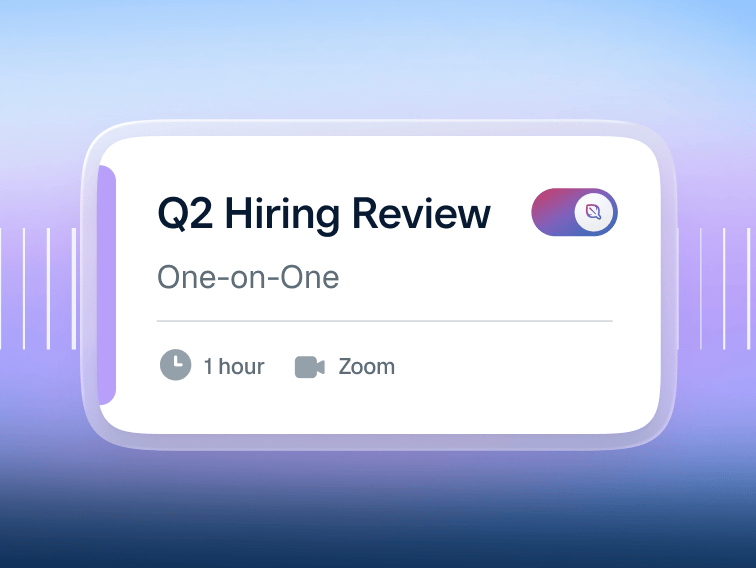
01 — Toggle Notetaker on or off for any individual meeting or meeting type, or set rules to auto-join only the meetings that match your criteria.

02 — Automatically record the meeting and transcribe notes. Notetaker notifies attendees before it records and transcribes conversations, so everyone can opt in.
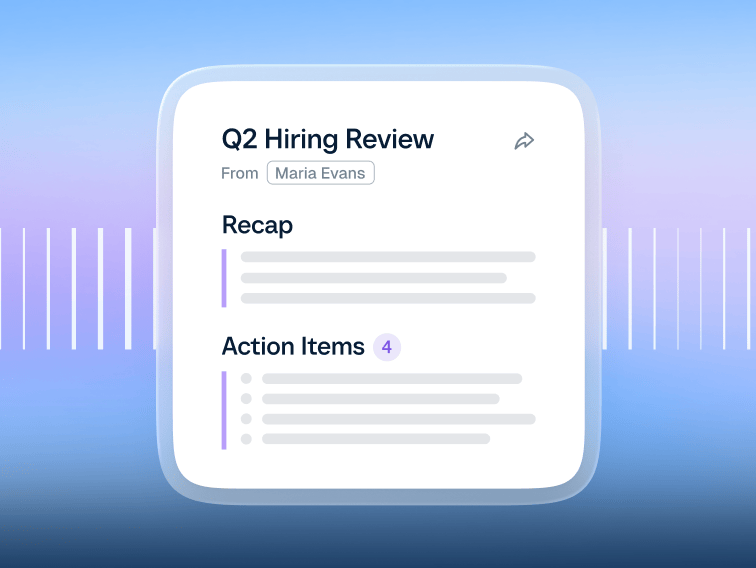
03 — Get an actionable recap with a summary, key points, and action items via email and in your Calendly account.
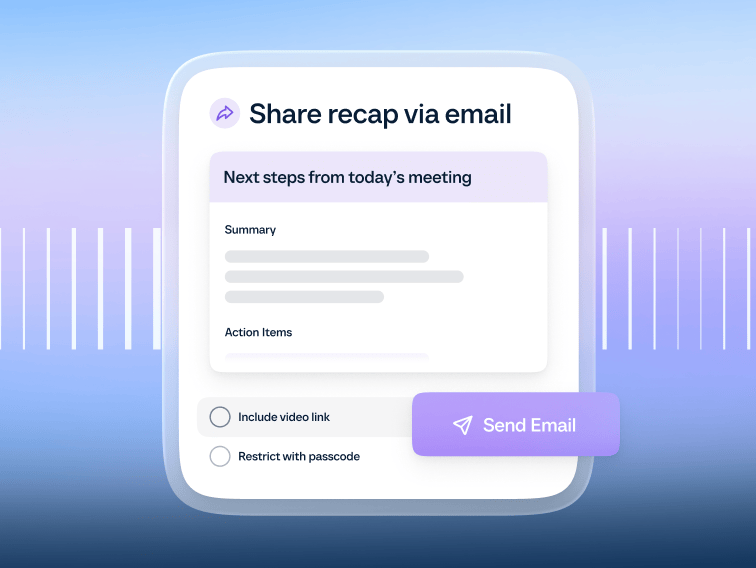
04 — Share a pre-drafted follow-up email with a polished summary and next steps. Edit the summary, create a snippet, or attach the full recording.
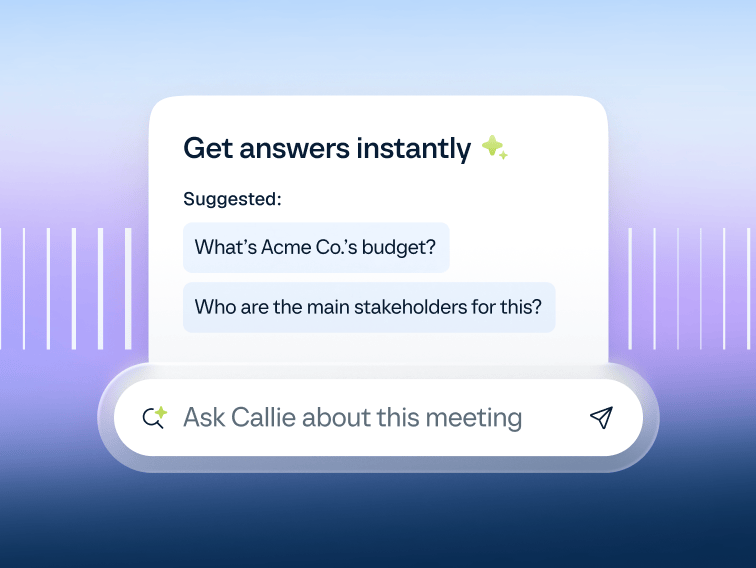
05 — Review past recaps right from your contact’s profile. Ask Callie questions about past meetings and get answers instantly.
Works in just a few clicks
01 — Toggle Notetaker on or off for any individual meeting or meeting type, or set rules to auto-join only the meetings that match your criteria.
02 — Automatically record the meeting and transcribe notes. Notetaker notifies attendees before it records and transcribes conversations, so everyone can opt in.
03 — Get an actionable recap with a summary, key points, and action items via email and in your Calendly account.
04 — Share a pre-drafted follow-up email with a polished summary and next steps. Edit the summary, create a snippet, or attach the full recording.
05 — Review past recaps right from your contact’s profile. Ask Callie questions about past meetings and get answers instantly.
For anyone who wants more from their meetings



There’s more to meetings than finding a time
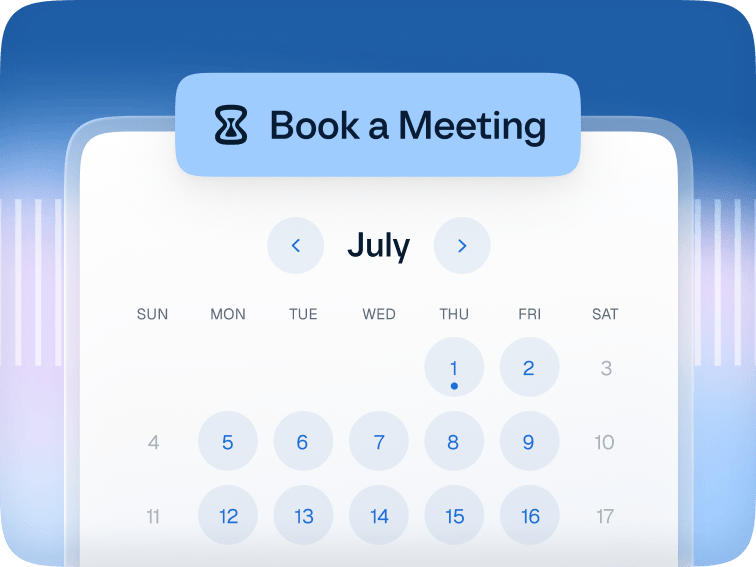
The #1 scheduling tool trusted by over 20M professionals around the world.
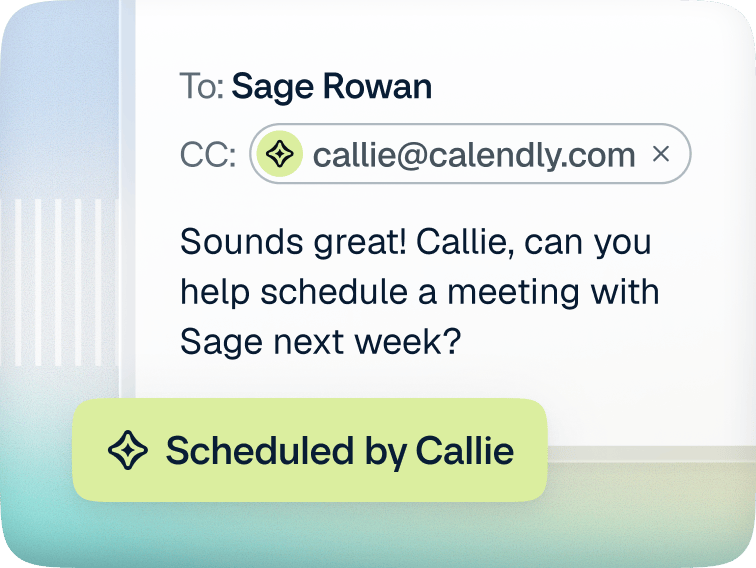
A 24/7 AI assistant that works right from your inbox.
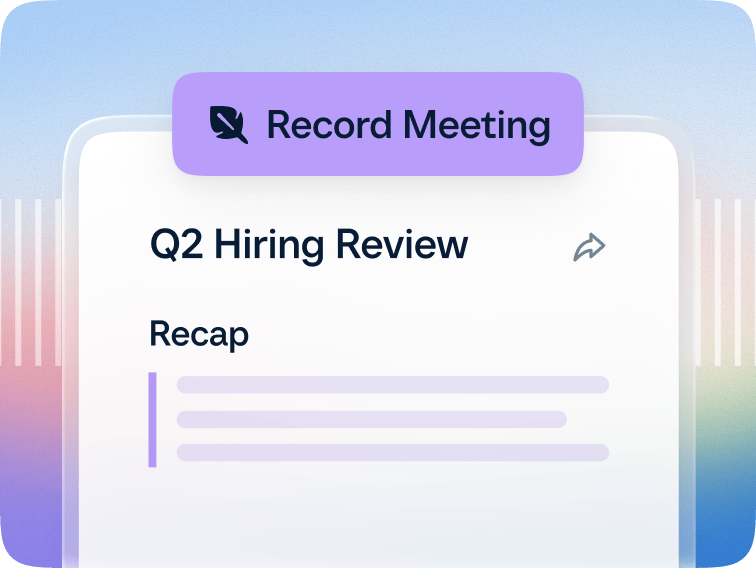
A meeting notetaker that turns every meeting into a recap with clear next steps.
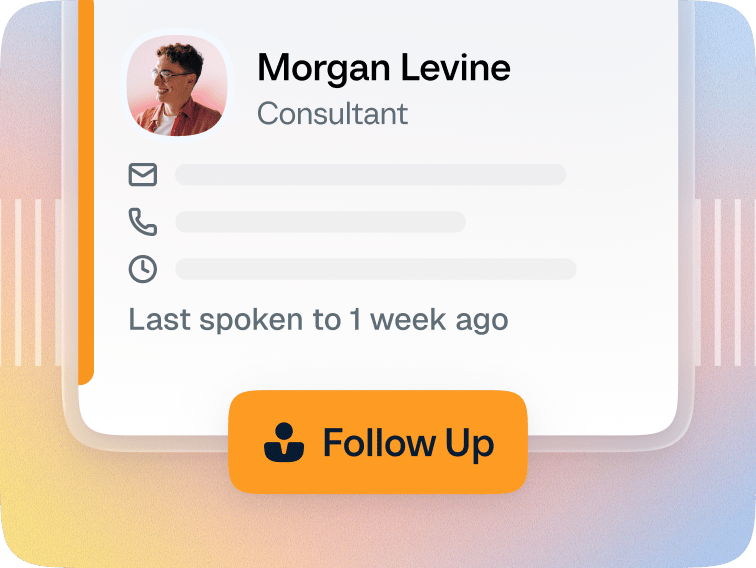
Contact management tools that bring all the details you need into one place.
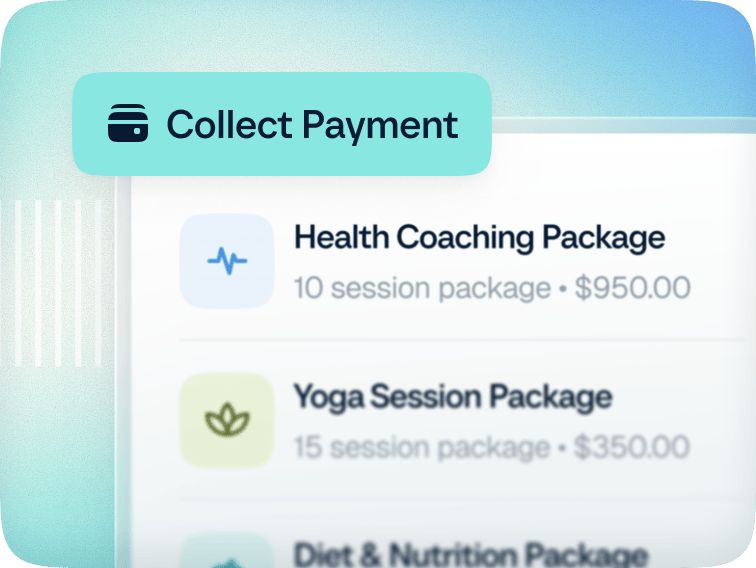
Built-in payment tools that make it easy to sell services and get paid.
There’s more to meetings than finding a time
The #1 scheduling tool trusted by over 20M professionals around the world.
A 24/7 AI assistant that works right from your inbox.
A meeting notetaker that turns every meeting into a recap with clear next steps.
Contact management tools that bring all the details you need into one place.
Built-in payment tools that make it easy to sell services and get paid.