
Your time is valuable. With Calendly’s PayPal integration, you can easily charge people in advance to meet with you. This reduces no-shows and ensures you’re compensated for your time and expertise.
Available on our all paid plans, PayPal is one of Calendly’s most popular integrations. The feature lets you securely collect payments from invitees at the same time a meeting is scheduled. (Pro tip: you can do the same thing with Stripe.)
There are countless reasons to add payments to your Calendly events. If you own a business where your offerings include consultations, coaching, meetings, or anything involving your time, this integration can help you by:
- Generating additional revenue: Your time is valuable.
- Collecting payments in one motion: Users don’t need to take multiple steps on separate platforms to book meetings and complete payments. And you don’t have to hassle with invoices and creating payment links.
- Reducing no-shows and protecting your time: It’s unlikely invitees will ghost you if they’ve paid you for that time in advance. Plus, no more chasing down customers to pay invoices.
And if you aren’t on Calendly yet, now is a great time to sign up for free!
How Calendly customers are using payment integrations
Integrating PayPal (or Stripe) with Calendly is an ideal solution for consultants, freelancers, solopreneurs, and many others. Here are some of our favorite ways our users are benefitting from this feature:
Make the “brain pickers” pay
Customer Kelly Vaughn uses Calendly to ensure she is paid for her expertise:
Facilitate a paid coaching or consulting business
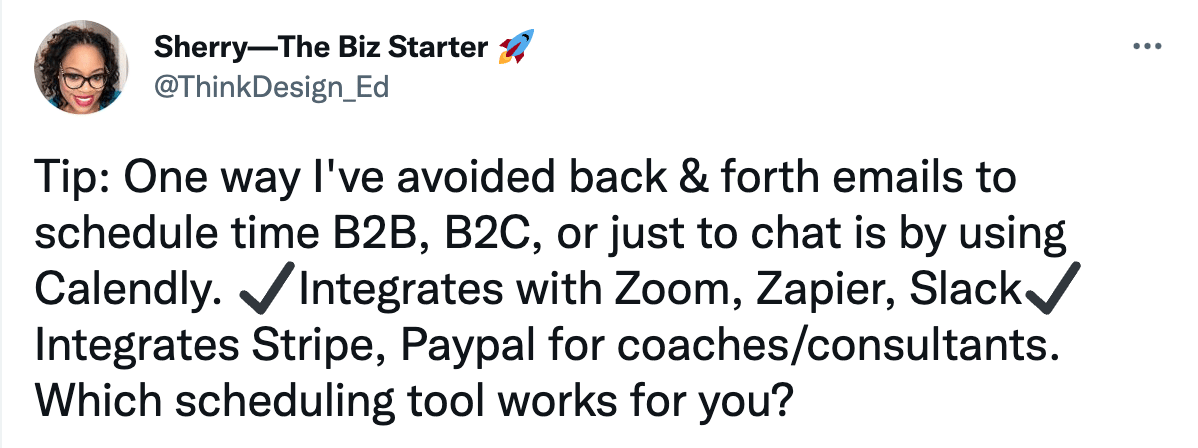
Sherry from The Biz Starter recommends Calendly to monetize coaching sessions:
Get paid for your expertise
It’s not just corporate pros who use Calendly to build a business on the side. It’s also nonprofit workers and academics, like PhD student Brittany Trinh:
How the PayPal integration works
When you set up the Calendly + PayPal integration, invitees can submit payments securely when they schedule a meeting with you. To connect your PayPal account, visit the Integrations page on your Calendly account menu and select the option for PayPal, then connect your PayPal account (or create a new one). Please note that a Business PayPal account is required to accept PayPal payments via Calendly.
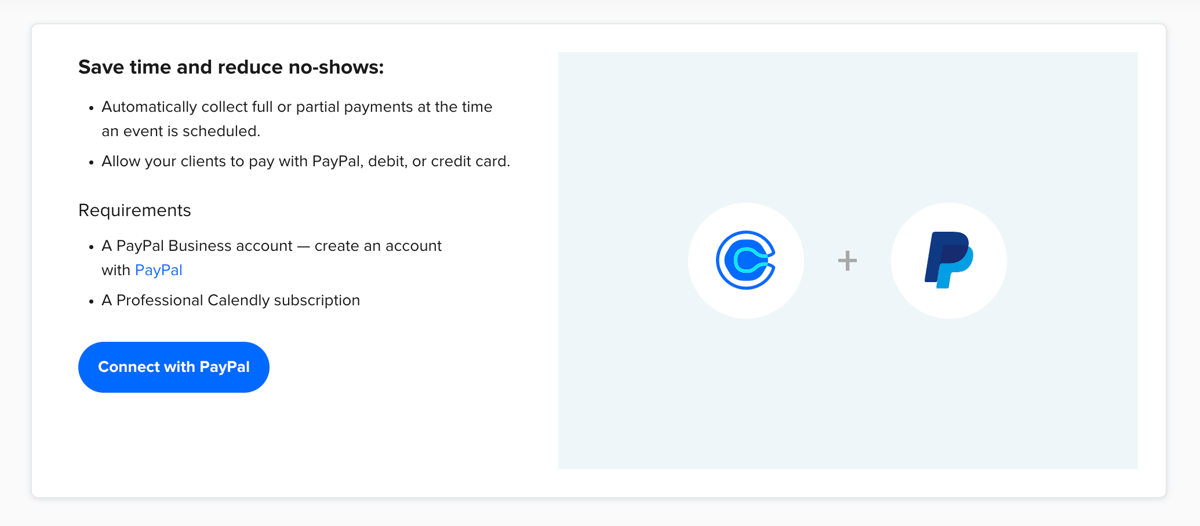
Now, you can start requesting payments with any event type — whether it’s one-on-one, group, Collective, or Round Robin. From your events page, select the Event type you would like to add PayPal to, navigate to the editing view, and expand the Collect Payments section.
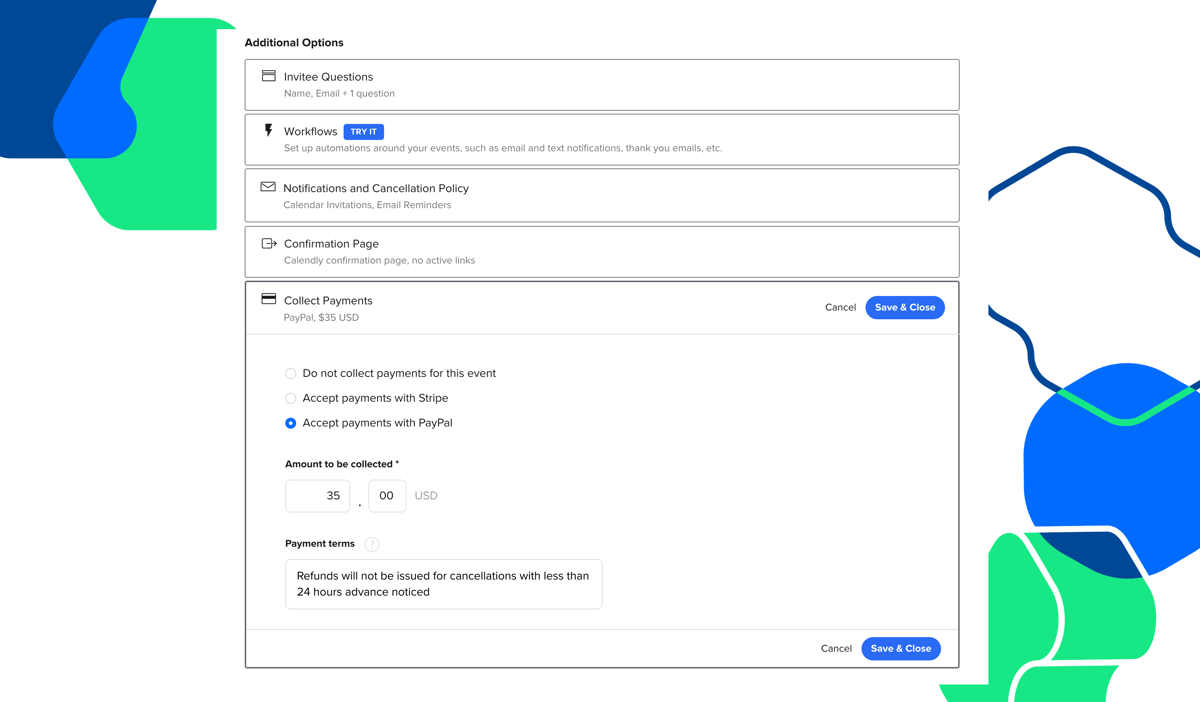
From there, specify the amount and currency to be collected when an event is scheduled. You can customize your payment terms in the way that makes the most sense for your business. Include any information your invitee may need before confirming their payments — add your cancelation policy, specify any additional fees, etc.
Currently, payments are accepted in five currencies and language is displayed in English. (Calendly does not process refunds, collect sales tax, or enforce cancellation policies. Get the answers to more common questions here.)
Start accepting payments
Once you’ve connected your payment processor and edited your Event Type’s payment settings, you can begin charging for your time.
With PayPal, the invitee is shown purchase details, and is able to login with their existing PayPal account information and payment settings. Or, they may have the option to input debit or credit card information without logging into PayPal. Once completed, PayPal emails a receipt to your invitee, and payment is automatically routed to your associated account.
It’s as simple as that. Start accepting payments today!
Get started with Calendly
Ready to make meetings easier than ever?